


Pin Up App: Full Casino Access on Your Phone
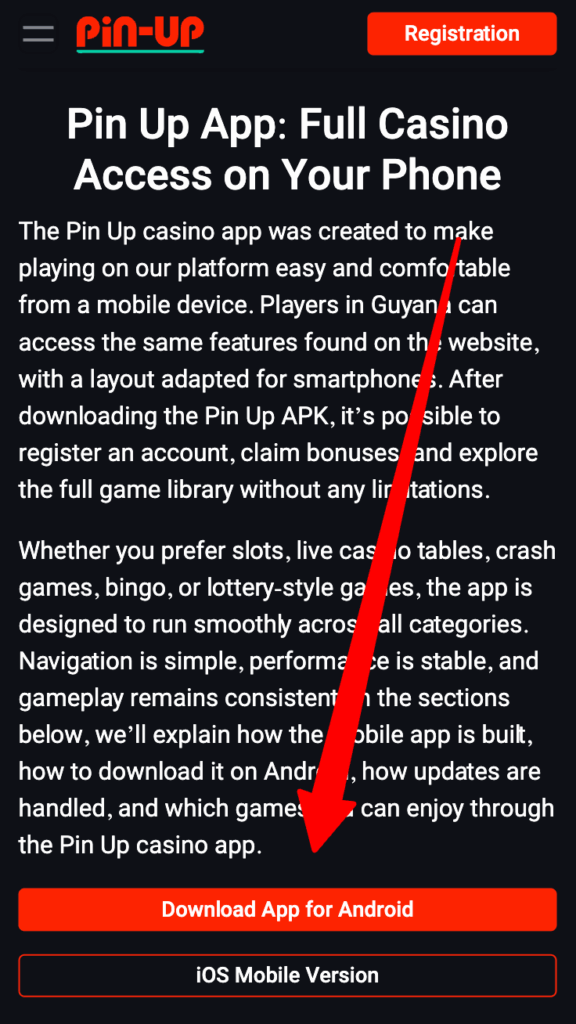
The Pin Up casino app was created to make playing on our platform easy and comfortable from a mobile device. Players in Guyana can access the same features found on the website, with a layout adapted for smartphones. After downloading the Pin Up APK, it’s possible to register an account, claim bonuses, and explore the full game library without any limitations.
Whether you prefer slots, live casino tables, crash games, bingo, or lottery-style games, the app is designed to run smoothly across all categories. Navigation is simple, performance is stable, and gameplay remains consistent. In the sections below, we’ll explain how the mobile app is built, how to download it on Android, how updates are handled, and which games you can enjoy through the Pin Up casino app.
Main Features of the Pin Up App
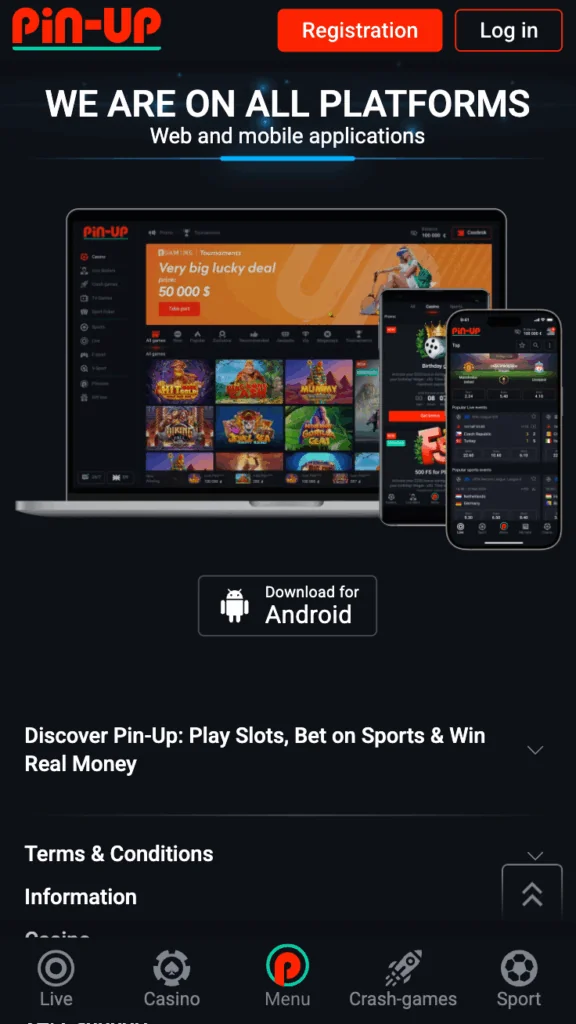
The Pin Up mobile app is designed with everyday mobile play in mind. It runs smoothly on smartphones commonly used in Guyana and feels light, fast, and easy to navigate from the first tap. The look is modern but uncluttered, with clear icons, a calm color palette, and smooth transitions that make using the app feel natural rather than complicated.
Even on slower internet connections, pages load quickly and respond without delays. Touch controls are comfortable for smaller screens, and the layout follows the same logic as the website, just adapted for mobile. Menus, buttons, and game sections are placed where you expect them, so everything stays within easy reach.
Here’s what you’ll find inside the Pin Up casino app:
- Clean, modern design – A mobile-friendly interface that looks good and stays easy to use on smaller screens.
- Easy navigation – Simple menus, clearly labeled game categories, and a search bar that helps you find games fast.
- Quick loading times – Built to work reliably on 3G, 4G, and Wi-Fi connections, even when the signal isn’t perfect.
- Full control of your account – Register, verify your details, make deposits and withdrawals, and manage your profile directly in the app.
- Bonuses in one place – A dedicated section for the welcome offer, loyalty rewards, and special promotions, all easy to track.
- Complete game access – Open any game category instantly, with access to more than 10,000 titles.
- Built-in support – Use live chat inside the app and receive notifications about updates or important account information.
Many mobile casino apps only offer a stripped-down version of the website. The Pin Up app is different. Players in Guyana get the same features and options available on desktop, combined with the freedom to play whenever and wherever it’s most convenient.
How to Download and Install the Pin Up App
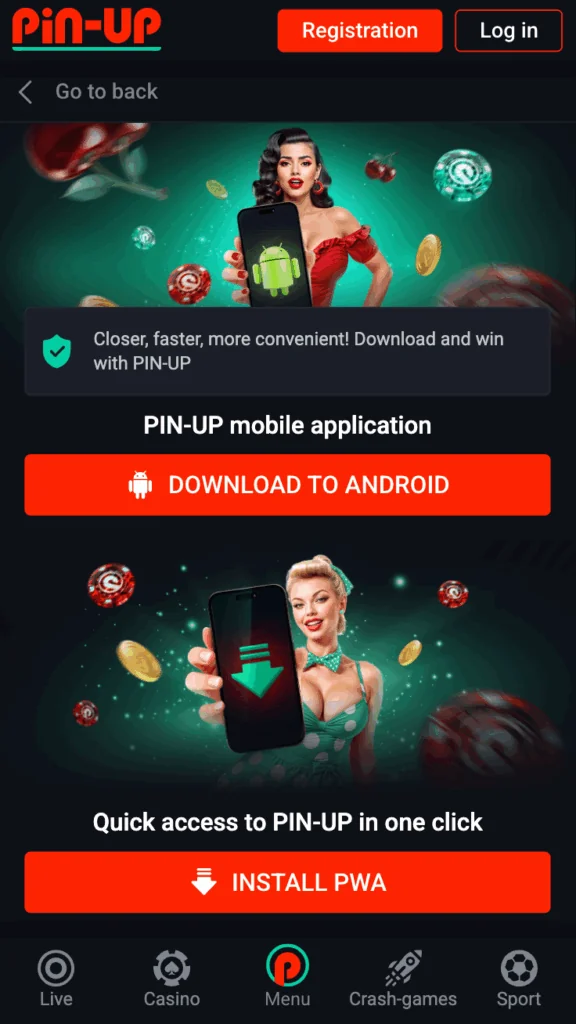
Installing the Pin Up app depends on the type of smartphone you’re using. For Android devices, the app is downloaded as an APK file directly from our official website and installed in just a few simple steps. The process is quick and doesn’t require any technical knowledge.
For iOS users, the dedicated app is still under development. In the meantime, players can use the mobile version of the website, which offers the same features and is fully optimized for iPhones and other iOS devices.
Below, you’ll find a clear step-by-step guide for installing the Android app, along with information about the current iOS option and basic system requirements. Following these instructions will help ensure a smooth setup from start to finish.
Steps to Install the Pin Up App on Android
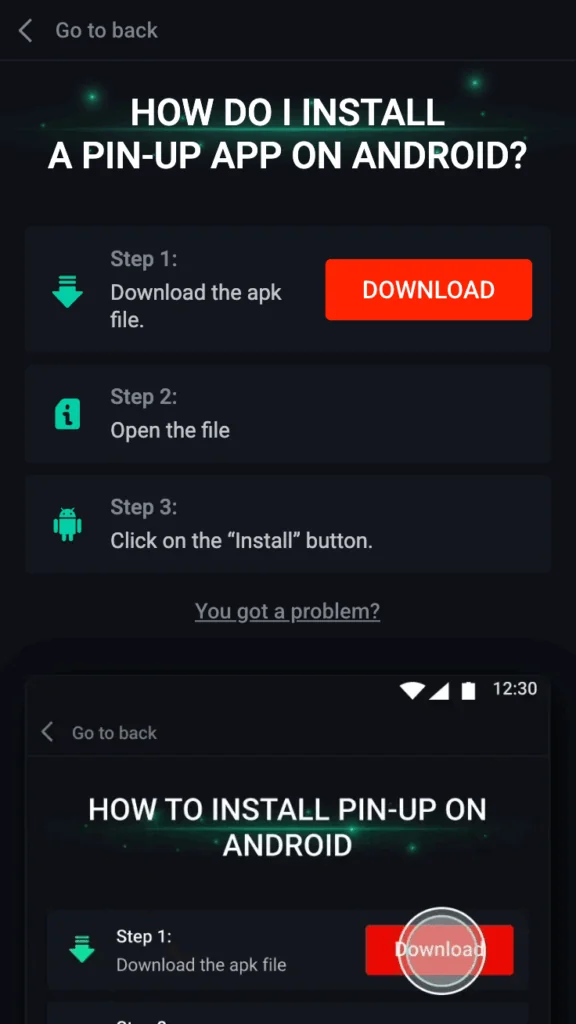
On Android devices, the Pin Up app is installed using an APK file downloaded from our official website. Before starting, you’ll only need to adjust one security setting on your phone to allow the installation.
Steps to install the app:
- Open our official website using your Android smartphone.
- Tap the download link to save the Pin Up casino APK file to your device.
- Go to your phone settings, open Security, and allow installations from unknown sources.
- Open the downloaded APK file and confirm the installation of the Pin Up app.
- Once the process is complete, the app icon will appear on your home screen.
That’s all it takes. The Pin Up casino app is now ready to use. Inside the app, you’ll find all the same features available on the website, including account login, profile management, deposits and withdrawals, bonuses, and full access to the game library.
When updates are released, they can be installed by downloading the latest APK file from our website and repeating the same steps.
Pin Up for iOS: What’s Available Now
The dedicated Pin Up app for iOS is currently under development, which means it’s not yet available for direct installation on iPhones or iPads. Until the app is released, players in Guyana can use the mobile version of our website as a full alternative. It’s designed specifically for smaller screens, works smoothly in Safari and other iOS browsers, and includes the same features found on the desktop platform.
Using the mobile site, you can log in or create a new account, complete verification, make deposits and withdrawals, claim bonuses, and access the entire game catalog without installing any additional software. The layout adjusts automatically to your screen size, pages load quickly, and all security measures — including encrypted connections and account protection — remain fully in place.
Once the iOS app becomes available, detailed installation instructions will be shared on the official website, making it easy to switch to the app when the time comes.
Minimum Requirements for the Pin Up App
Before installing the Pin Up app, it’s a good idea to make sure your smartphone meets the basic requirements. While the app is lightweight and designed to run smoothly, a minimum level of performance is needed to handle games, account actions, and secure sessions without interruptions.
For Android devices, the system requirements are:
- Mobile operating system – Android 6.0 or newer
- RAM – At least 1 GB (2 GB or more is recommended for smoother performance)
- Free storage space – Around 30 MB is needed for installation; having at least 100 MB available helps ensure stable operation
- Internet connection – 3G is supported, but 4G or Wi-Fi provides faster loading times and better quality for live games
Meeting the minimum requirements allows the app to run, but devices with more RAM and available storage will deliver quicker loading and a more stable experience, especially during longer gaming sessions.
With this information, you can easily check whether your device is ready for installation. If you have any questions or need help, our support team is always available to assist you.
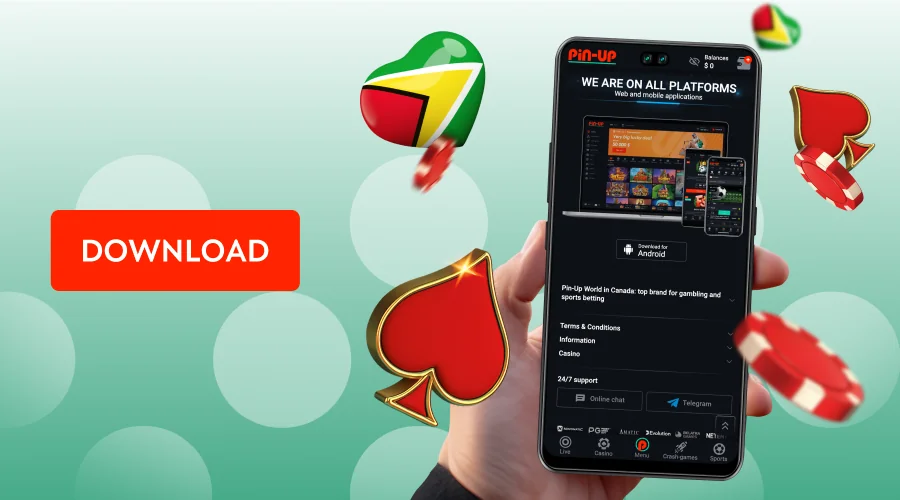
How to Update the Pin Up Mobile App
Keeping the Pin Up app up to date helps ensure everything runs smoothly and securely. Each new version includes performance improvements, bug fixes, and, in some cases, new features. For Android users, updates are installed by downloading the latest APK file directly from our official website.
The update process is simple and follows the same steps as the initial installation:
- Open the official Pin Up Casino website on your Android device.
- Download the most recent APK file.
- Open the file and confirm the installation to replace the previous version.
Your account details, settings, and balance stay exactly the same, so nothing is lost during the update. There’s no need to uninstall the old version first — installing the new APK automatically overwrites it.
Checking the website from time to time helps ensure you’re always using the latest version of the Pin Up app, with stable performance and secure access. For iOS users, updates happen automatically when using the mobile browser version, so no additional action is required.
Choosing Between the Pin Up App and Mobile Site
Players in Guyana can choose between two convenient ways to access the platform: the Pin Up mobile app or the mobile browser version. Both options provide full access to games and account features, but each has its own strengths depending on how and where you prefer to play.
| Pin Up casino app | Mobile browser version |
|---|---|
| Faster performance and smoother gameplay, as key files are stored directly on your device | No installation required — simply open Safari, Chrome, or another browser and start playing |
| Push notifications that keep you informed about bonuses, updates, and important messages | Works on both Android and iOS devices with the same features as the desktop version |
| Direct access from your home screen without the need to open a browser | Updates are applied automatically in the background |
| A practical choice for regular play on Android devices | A flexible option if you switch devices often or prefer not to install additional apps |
Both formats are reliable and give you full access to our platform. Android users may find the app more convenient thanks to its speed and notifications, while iOS players can comfortably use the mobile browser version until the dedicated app becomes available.
Benefits of Using the Pin Up Casino App
For players in Guyana, the mobile app offers a convenient way to enjoy games without being tied to a desktop or laptop. It’s designed for flexibility, making it easy to play whenever and wherever it suits you.
Key benefits of using the Pin Up app include:
- Play anywhere – Open the Pin Up app anywhere you have an internet connection and enjoy uninterrupted access to your account.
- Complete game library – All game categories are available in one place, including more than 10,000 slots, live casino tables, crash games, bingo, and lottery options.
- Secure transactions – Deposits and withdrawals are processed through encrypted channels to keep payments protected.
- Personalized experience – Your balance, account settings, and active bonuses stay synced across devices, so everything is always up to date.
- Reliable performance – The app is optimized to load quickly and run smoothly on everyday Android smartphones.
- Easy access to Pin Up bonuses – All promotions and special offers are available with just a few taps.
Overall, the Pin Up app is a practical choice for players who value flexibility, reliable access, and a smooth mobile gaming experience.